Skip to content

Mac设置code命令打开VS Code

安装

  1. 打开VS Code
  2. command + shift + p
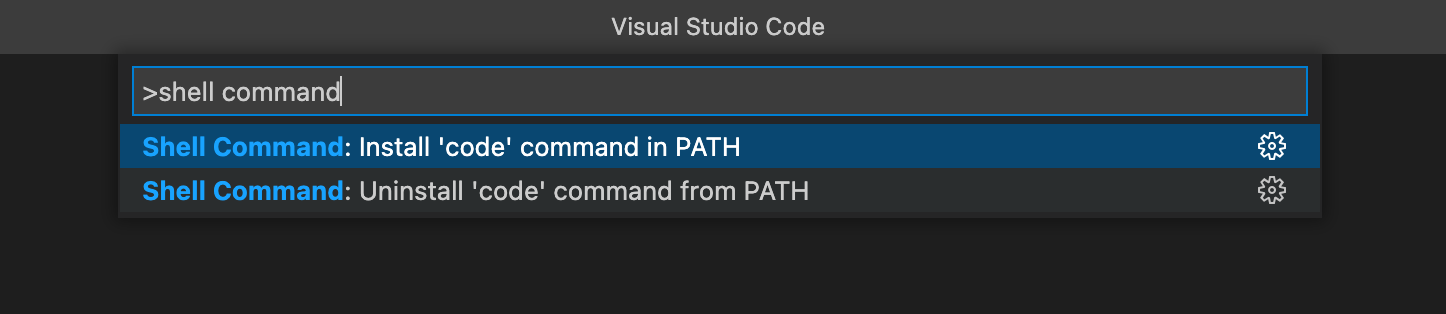
  3. 输入shell command点击提示Shell Command: Install 'code' command in PATH
  4. 安装完成后, 即可在命令行中输入code 文件夹名, 这样VS Code就会打开该文件夹

Shell command

官方文档

Last updated: